copy files from a pendrive to an iPhone
I scanned a bunch of paperwork to a pendrive and needed these pdf files on my iPhone, but the only computer I had on me was my rpi0w with a bunch of memory cards. One of them had Kali configured as a dropbox. I also had a micro USB to type C cable that I use to connect to AIO flight controllers, and a powerbank.
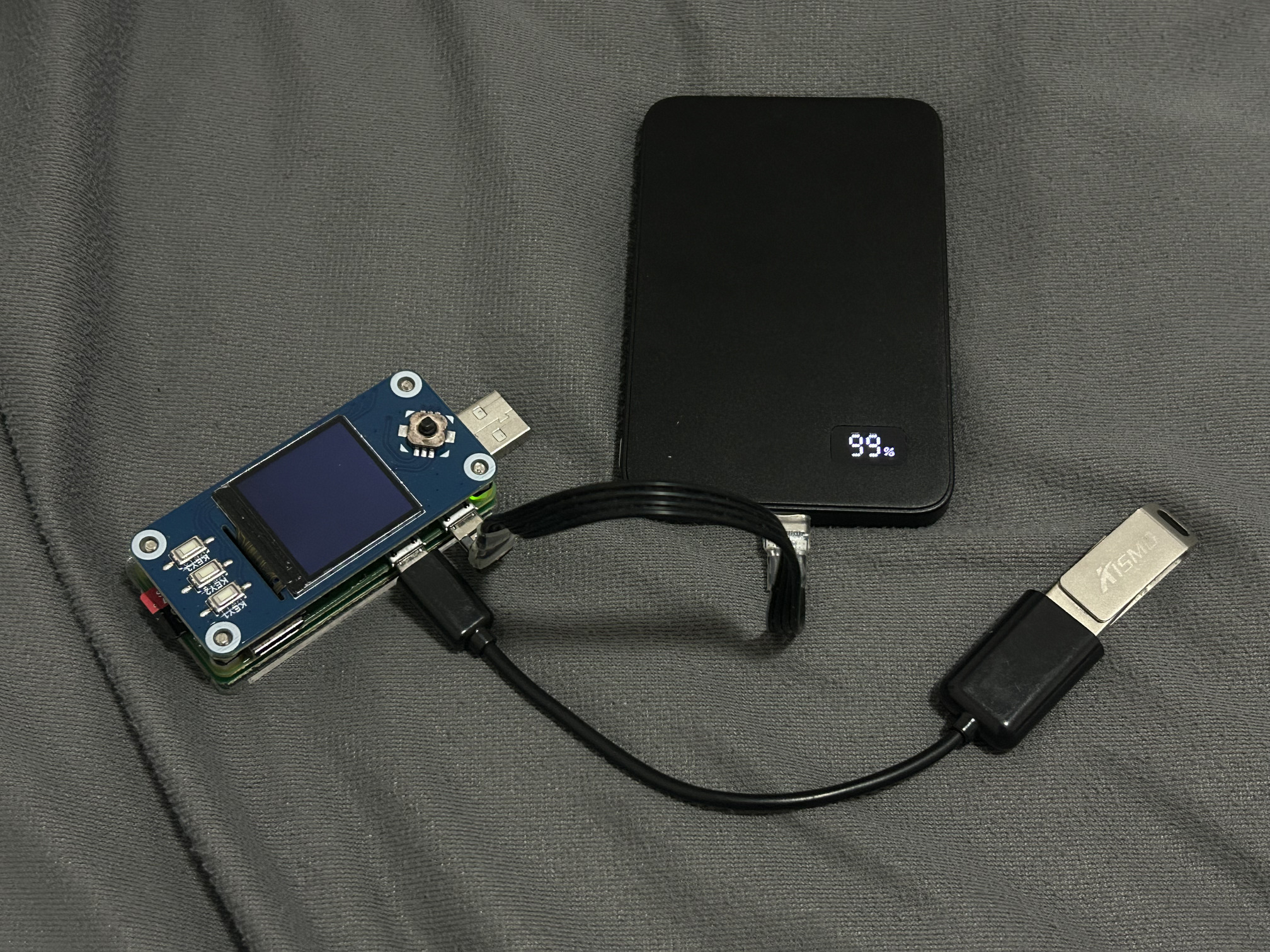
The OS installed on the memory card was already configured to start a wifi access point to which I connect from my phone. Naturally, this configuration must be done before the need for it arises. Key parts of the AP configuration:
configure internal wlan0 nano /etc/network/interfaces:
1
2
3
4
5
allow-hotplug wlan0
iface wlan0 inet static
  address 10.0.0.1
  netmask 255.255.255.0
  up route add -net 10.0.0.0 netmask 255.255.255.0 gw 10.0.0.1
configure dnsmasq:
1
2
3
4
5
6
7
8
9
10
11
12
13
14
sudo tee /etc/dnsmasq.conf <<-'EOF'

interface=wlan0
dhcp-authoritative
dhcp-range=10.0.0.2,10.0.0.30,255.255.255.0,12h
dhcp-option=3,10.0.0.1
dhcp-option=6,10.0.0.1
server=8.8.8.8
log-queries
log-dhcp
listen-address=10.0.0.1
bind-interfaces # to listen only on interface used by AP (avoid conflict when spawning rogue AP)

EOF
configure hostapd:
1
2
3
4
5
6
7
8
9
10
11
12
13
14
15
16
17
18
19
sudo tee /etc/hostapd/hostapd.conf <<- 'EOF'

interface=wlan0
#driver=88x2bu
ssid=xxxxxxxxxxxxxxxxxxxxxxxxxxxxxxx
hw_mode=g
channel=11
macaddr_acl=0
ignore_broadcast_ssid=1 # 1 means hidden SSID
auth_algs=1
wpa=2
wpa_passphrase=yyyyyyyyyyyyyyyyyyyyyyyyyyyyyyyyyyyyy
wpa_key_mgmt=WPA-PSK
wpa_pairwise=CCMP
wpa_group_rekey=86400
ieee80211n=1
wme_enabled=1

EOF
then set everything to start at boot:
1
2
3
4
5
6
7
8
sudo systemctl unmask hostapd # by default, service is masked on pi
sudo systemctl enable hostapd
sudo systemctl start hostapd

sudo systemctl enable dnsmasq
sudo systemctl start dnsmasq
sudo systemctl stop NetworkManager
sudo systemctl disable NetworkManager
Now back to the problem. I waited for the rpi to boot up, connected to the rpi access point from my phone and ssh kali@10.0.0.1 using Terminus. Then on the rpi:
1
2
3
4
5
6
lsblk
mkdir -p /mnt/usb
sudo mount /dev/sda1 /mnt/usb
rm -rf tmp && mkdir tmp && cd tmp
zip temp.zip /mnt/usb/HPSCANS/*
python -m http.server
I had to zip the files, because the filenames had Chinese characters and the http server could not find the path when requested. The problem is with the locale, but I didn’t have enough time to solve it then.
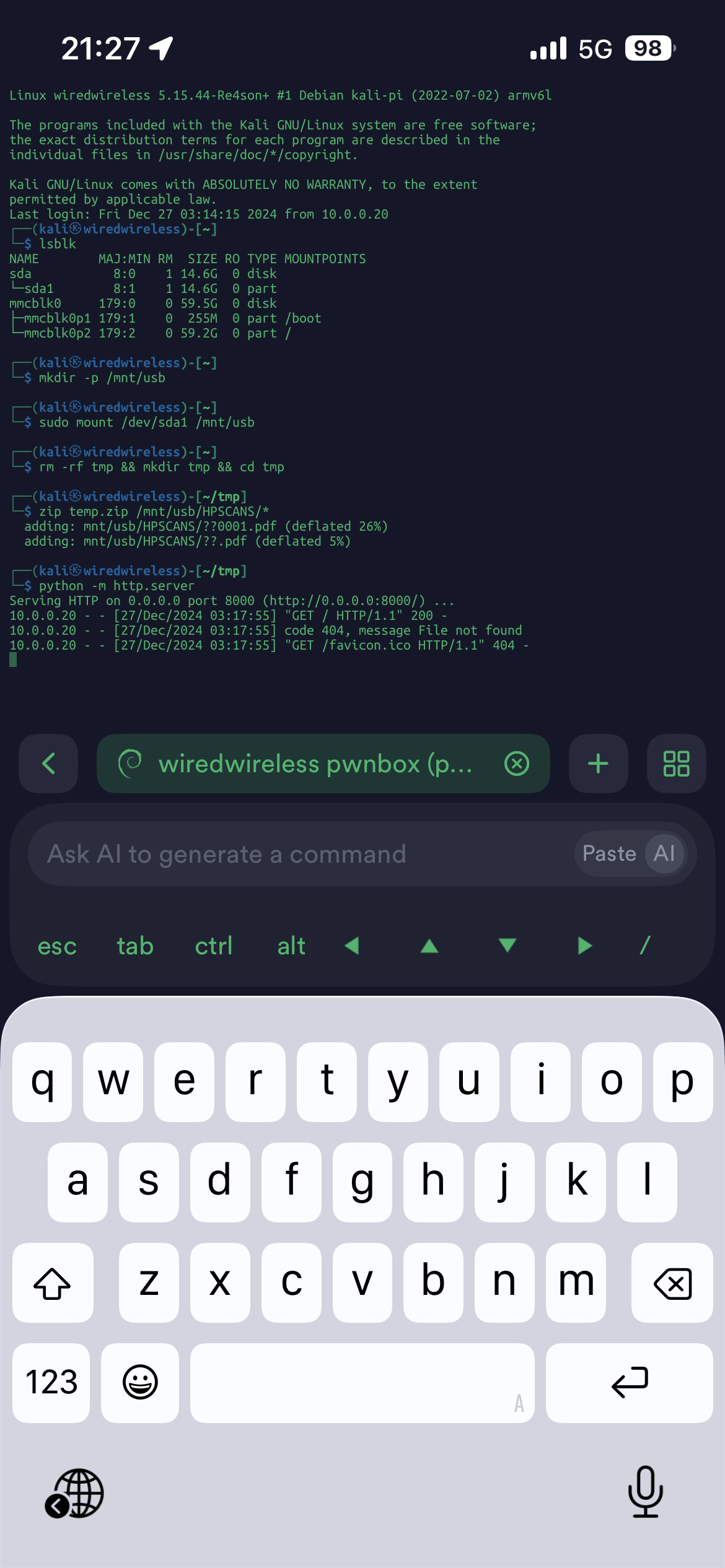 | 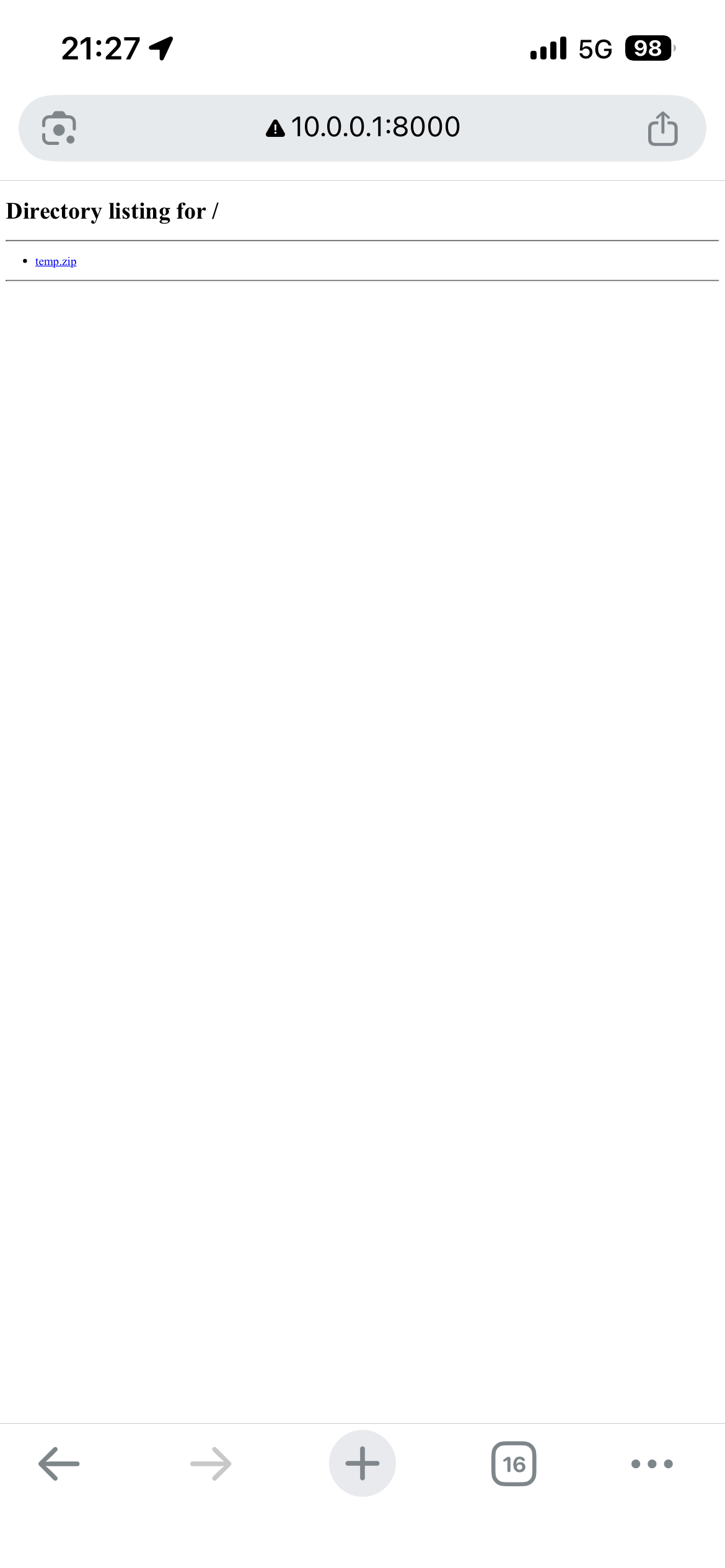 |
Then I navigated to http://10.0.0.1:8000 in the browser and downloaded the file. And this is how someone got their files in time. Also, for this to work the other way (to put files to the pendrive), the pendrive volume on the rpi must be mounted as sudo mount /dev/sda1 /mnt/usb -o rw,uid=1000,gid=1000. then:
method 1:
on the iphone start iSH
1
2
3
apk add python3
mkdir shared && cd shared
mount -t ios ish-shared ~/shared
then create a new directory in the opened Files app, put the files into this directory. then back to iSH:
1
python3 -m http.server
on the rpi:
1
2
3
4
5
cd /mnt/usb
#get the listing
curl http://10.0.0.20:8000
#download
wget http://10.0.0.20:8000/file.zip
back to iSH:
1
cd ~ && umount ~/shared
and switch to iSH to wake it up, because it will be suspended together with the http server while in the background
method 2: (I haven’t tested this yet, just a general approach)
1
2
3
4
5
6
sudo su
export http_proxy=http://10.0.0.20:1082
export https_proxy=http://10.0.0.20:1082
export all_proxy=socks4://10.0.0.20:1082
apt update
apt install python3-pyftpdlib
the phone must have a proxy server running on that port. then exit, cd /mnt/usb and start python -m pyftpdlib -p 21 the ftp server. on the iPhone, in the Files app click the three dots in the upper right corner and connect to ftp://10.0.0.1